let me ask web
A live and streaming web project powered by an AI agent that predicts answers to questions in real time.
Project Image
Documentation
Let Me Ask Web
A web app developed during NLW Agents by Rocketseat for live streams and broadcasts, which uses an AI agent to predict answers to questions in real time.
Table of Contents
- Technologies
- Backend for Full Experience
- Setup and Configuration
- Running the Project
- Screenshots
- Project Structure
- Author
Technologies
This project was developed with the following stack:
- React.js – A JavaScript library for building fast and interactive user interfaces using a component-based architecture.
- React Router DOM – A flexible routing library for React applications, enabling declarative and dynamic navigation.
- Vite – A modern, lightning-fast build tool and development server optimized for frontend frameworks like React.
- TypeScript – A statically typed superset of JavaScript that enhances code quality, maintainability, and developer experience.
- Tailwind CSS – A utility-first CSS framework that enables rapid UI development with a consistent design system.
- TanStack React Query – A powerful data-fetching and server-state management library with built-in caching, background updates, and synchronization.
- Shadcn UI – A customizable and accessible component system built on top of Radix UI and Tailwind CSS.
- Radix UI – A low-level library of unstyled, accessible UI primitives for building high-quality components.
- Lucide React – An open-source icon library for React, featuring beautifully crafted and consistent icons.
Backend for Full Experience
To get the full experience, you also need to run the backend API.
👉 Check out the API repository here: Let Me Ask API
The API handles:
- Creating and managing rooms
- Receiving and storing questions
- Generating real-time AI-based answers
Setup and Configuration
Follow the steps below to run this project:
1. Prerequisites
To run this project, make sure you have the following installed and configured on your system:
2. Clone this Repository
Example using SSH:
git clone git@github.com:MarcosAntonio15243/let-me-ask-web.git3. Install Dependencies
For this project and documentation tutorial, we will use the NPM package manager. To install the dependencies, run the following command at the root of the cloned repository:
npm installRunning the Project
Start the development server:
npm run devThen access the application at http://localhost:5173.
Screenshots
Here are some screenshots of the application in action:
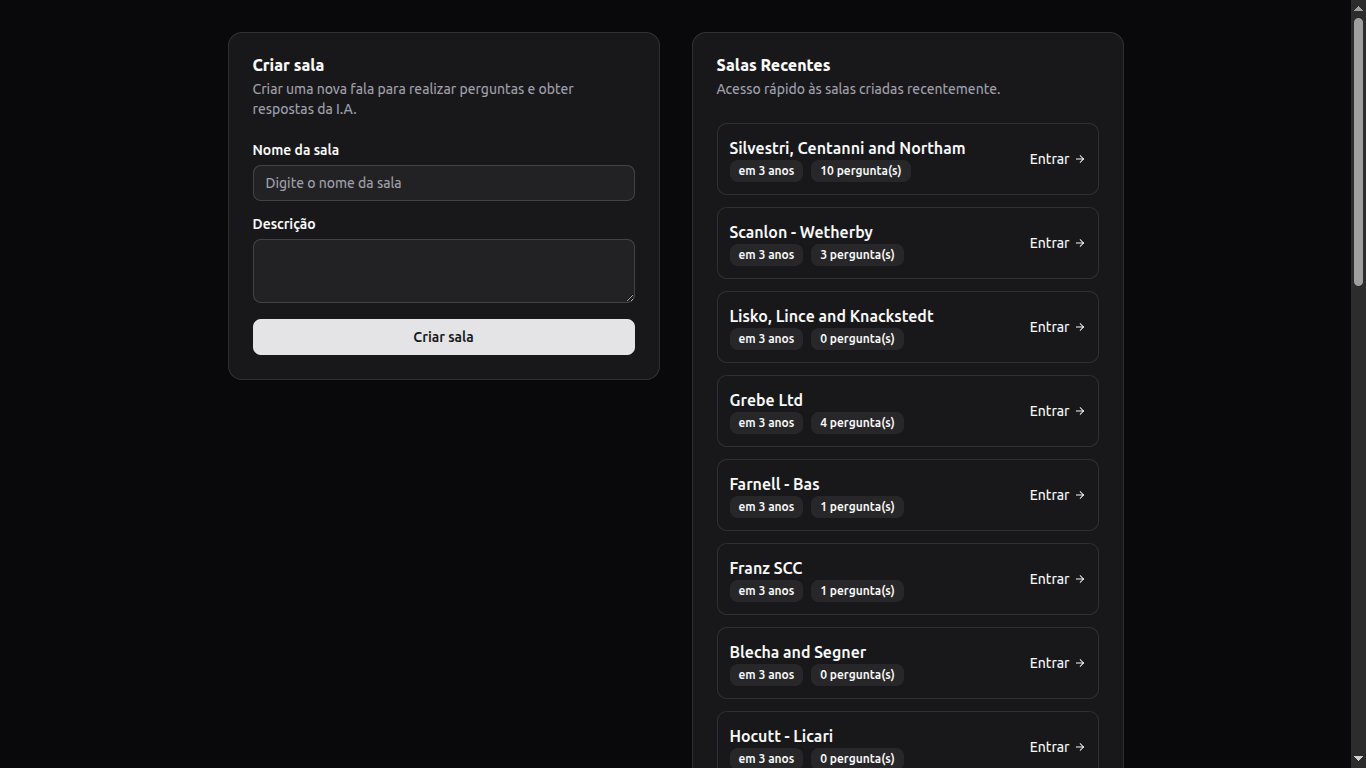
Main screen showing all available rooms and the card to create a new room.
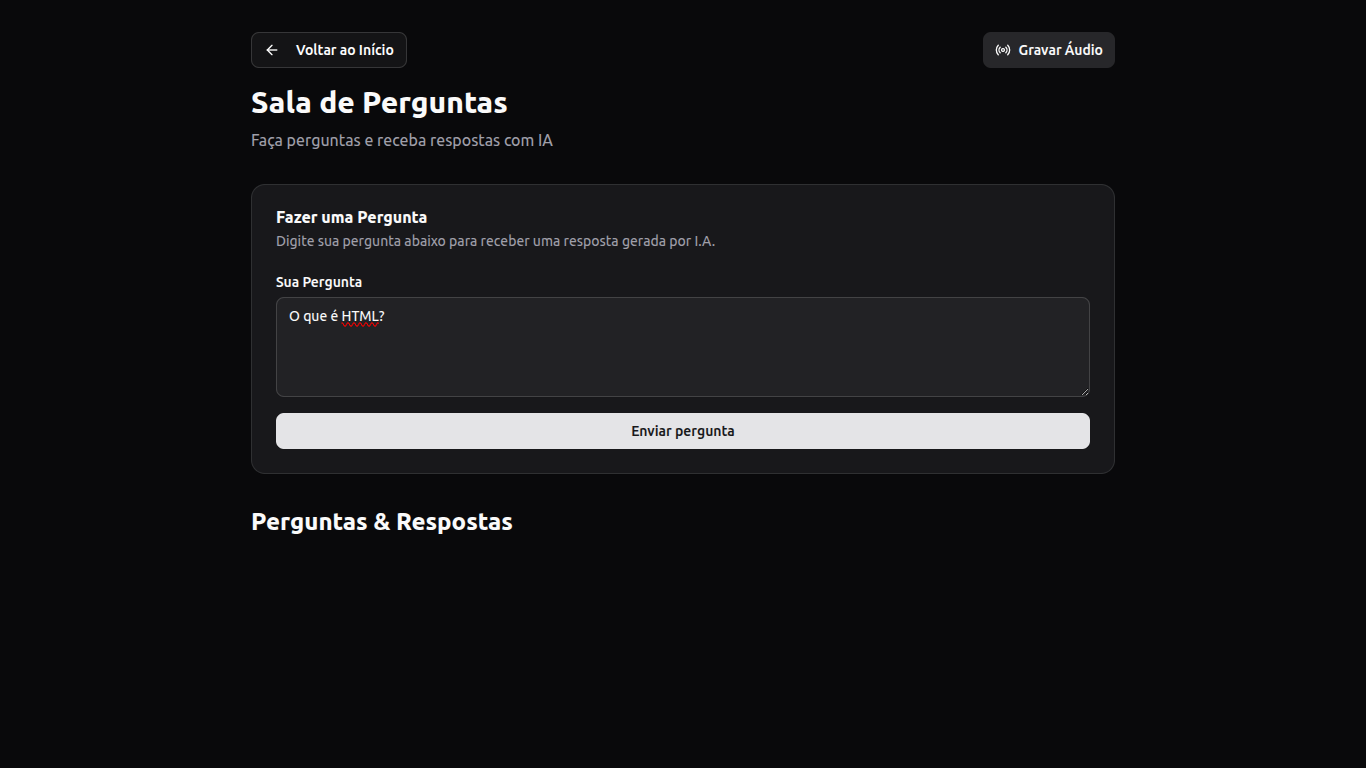
Room view displaying no questions at the moment.
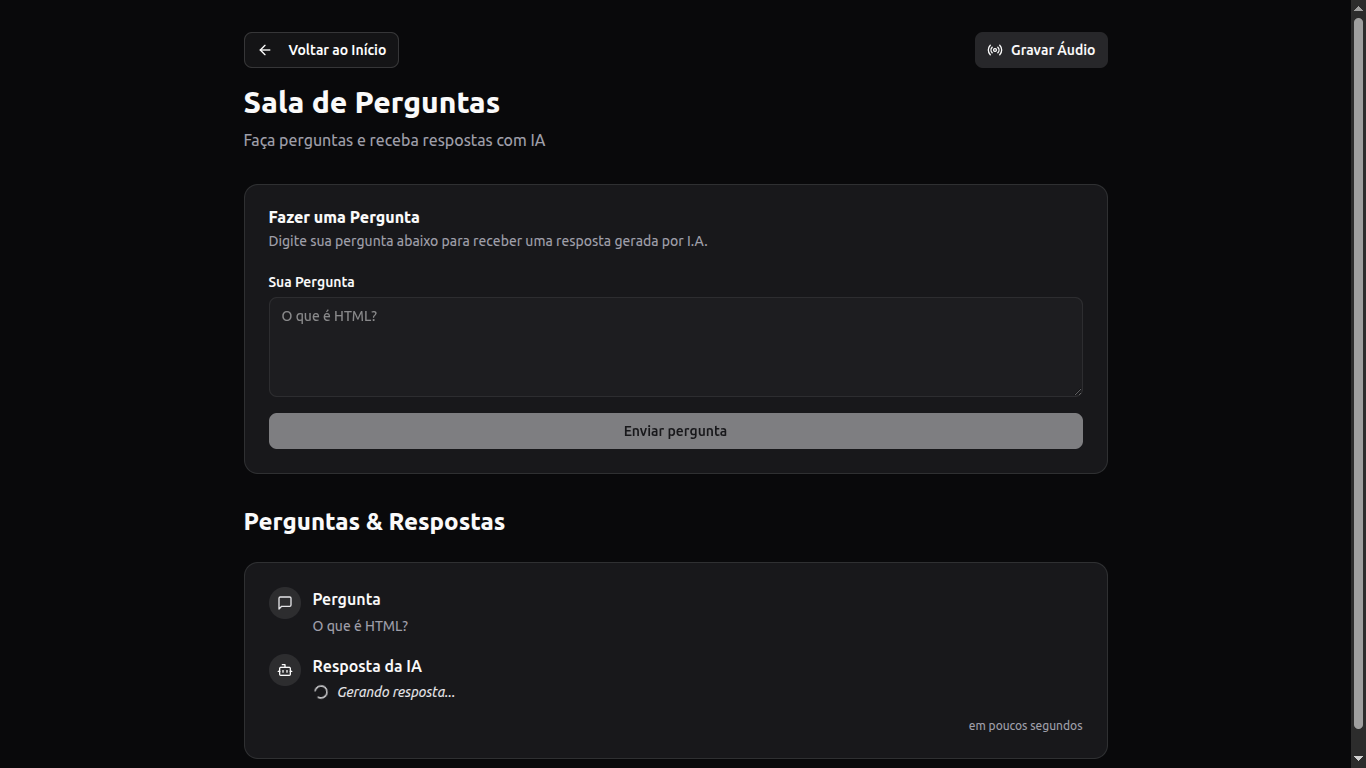
Room showing a submitted question that is waiting for an answer.
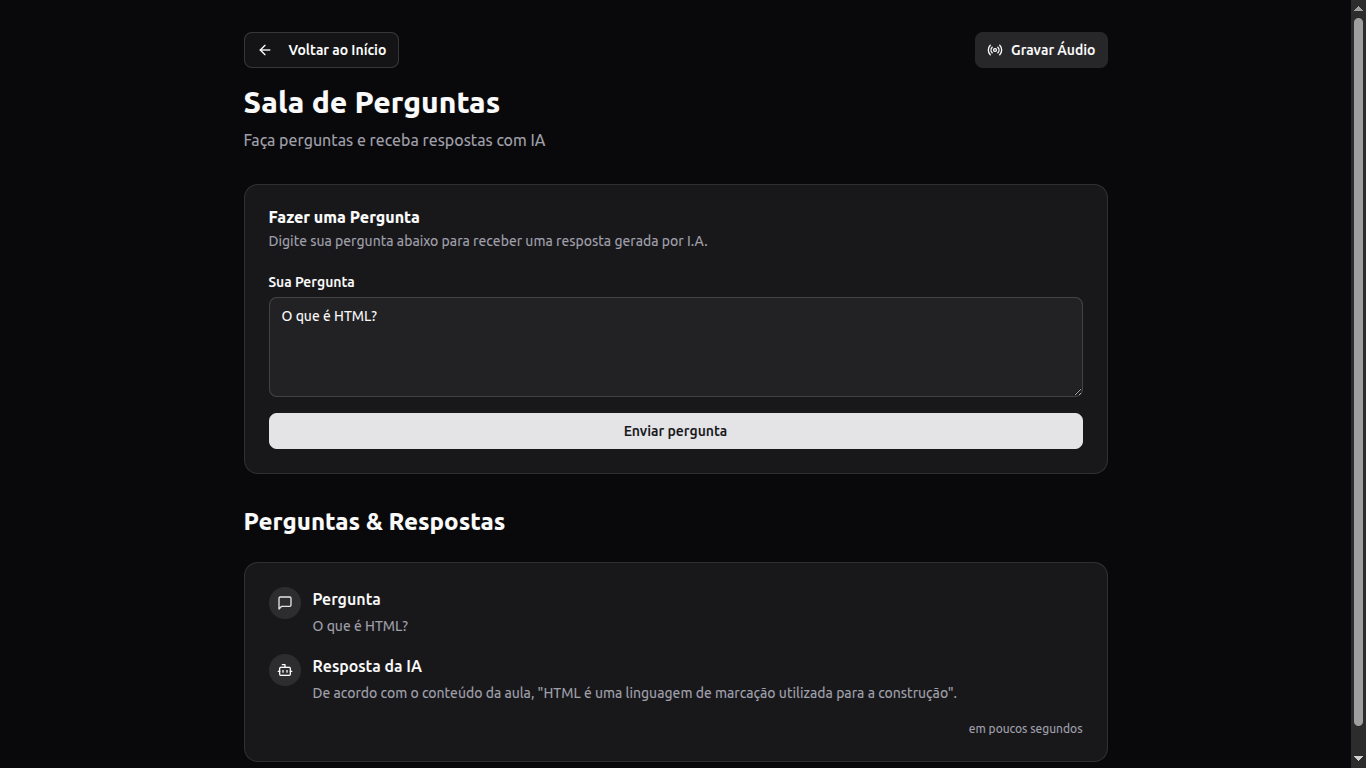
Room displaying a question with its AI-generated answer.
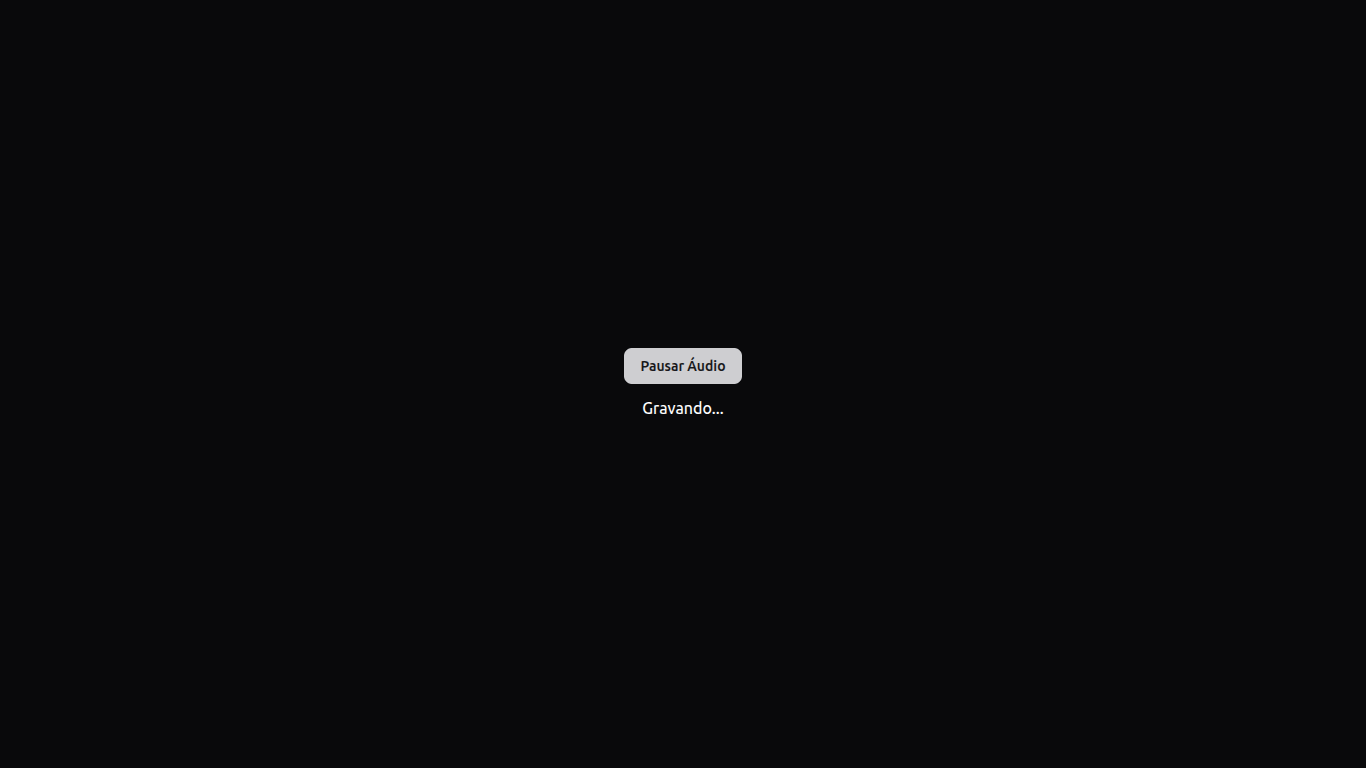
Audio recording interface within the room.
Project Structure
The main folders and files in this project:
src/
│   ├── components/   → Reusable UI components
│   ├── http/         → HTTP client and API interaction
│   ├── lib/          → Utility functions and shared logic
│   └── pages/        → Application pages and routes
Author
Made by Marcos Antonio.
- 💻 Full Stack developer dedicated to building complete solutions by combining modern, functional user interfaces with robust back-end architectures.
- 📚 This project represents my first web application built with an AI agent, focused on delivering real-time, interactive Q&A experiences during live streams.
- 🚀 Always open to feedback, collaboration, or ideas for improvement!
- 📫 Feel free to connect with me on LinkedIn or check out more of my projects here on GitHub.